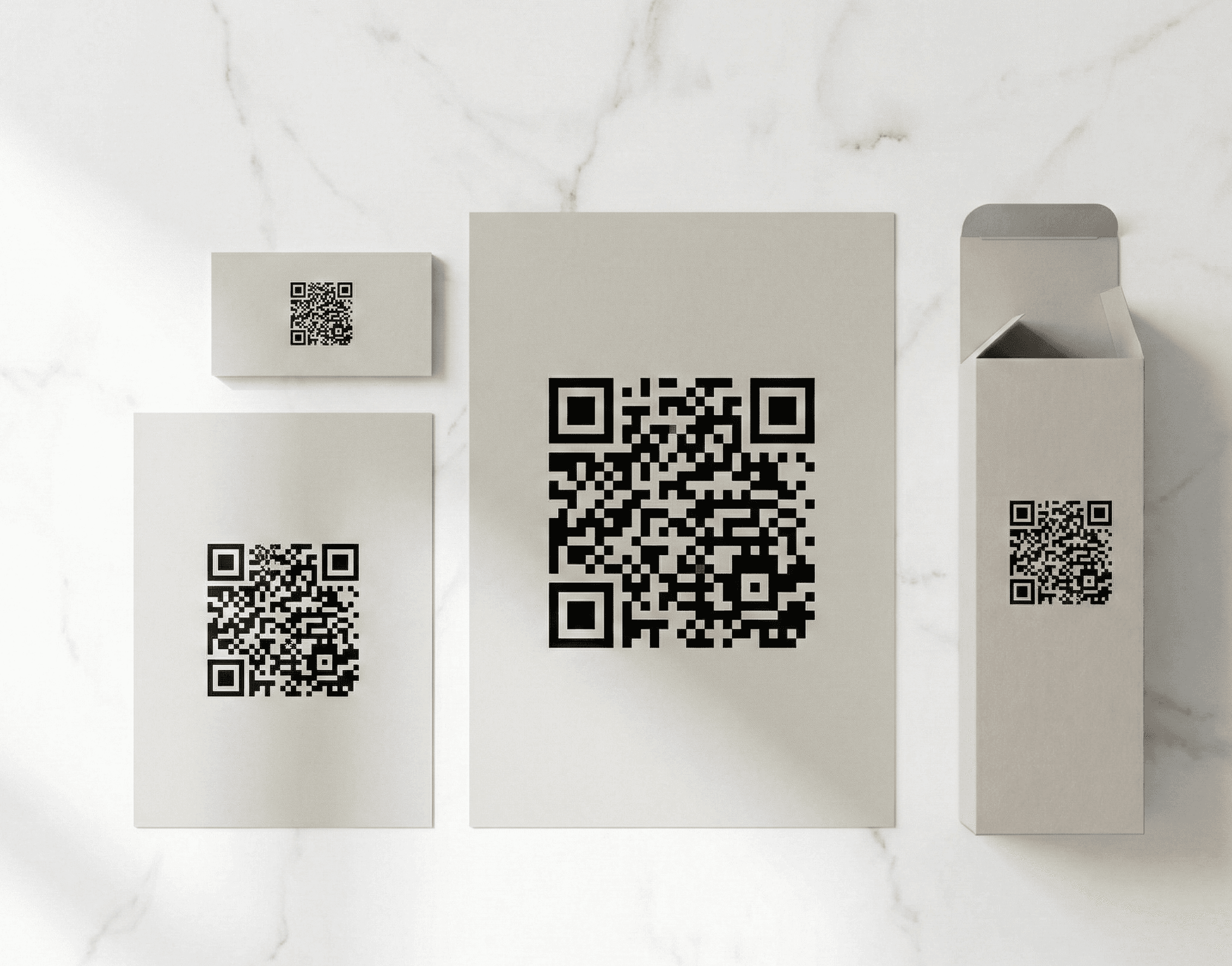
The Golden Rule of QR Code Sizing
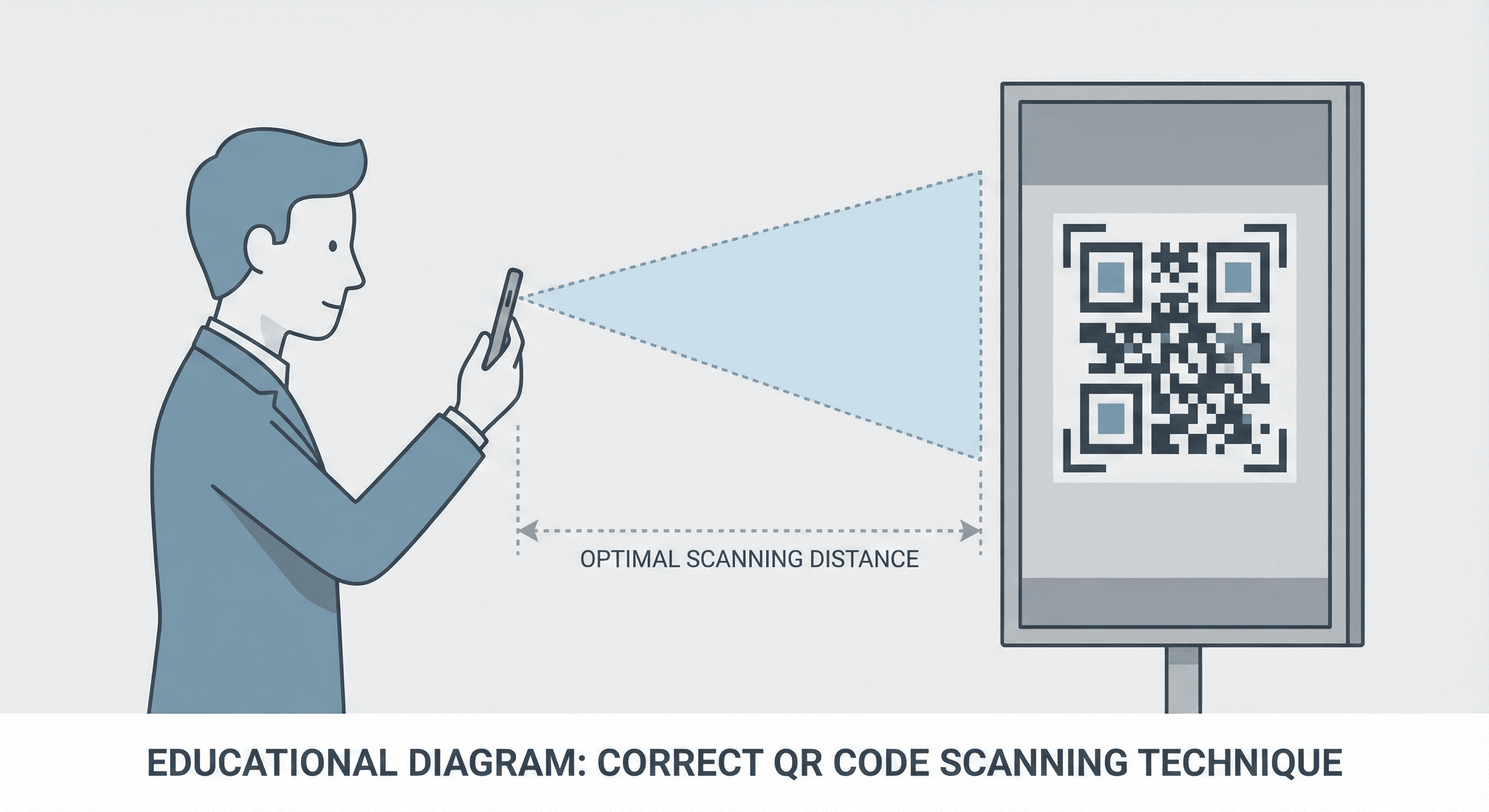
The minimum size for a QR code depends on the scanning distance. Here's the simple formula that professionals use:
Minimum QR Size = Scanning Distance ÷ 10
So if someone will scan from 10 feet away, your QR code needs to be at least 1 foot (12 inches) wide. This rule accounts for camera resolution, lighting conditions, and user error.
Why Size Matters More Than You Think
A QR code that's too small won't scan—period. But the consequences go beyond frustration:
- Lost customers: 67% of users won't retry a failed scan
- Wasted print costs: Reprinting materials is expensive
- Brand damage: Failed technology reflects poorly on your business
Complete Size Guide by Use Case
Business Cards (3.5" x 2")
- Recommended size: 0.8 x 0.8 inches (20 x 20 mm)
- Minimum size: 0.6 x 0.6 inches (15 x 15 mm)
- Scanning distance: 3-8 inches (hand-held)
- Pro tip: Place in bottom-right corner. Use Level H error correction to handle small sizes and potential wear.
Flyers & Brochures (8.5" x 11")
- Recommended size: 1.2 x 1.2 inches (30 x 30 mm)
- Minimum size: 1 x 1 inch (25 x 25 mm)
- Scanning distance: 6-18 inches
- Pro tip: Include a clear call-to-action like "Scan for 20% off" near the code.
Posters (18" x 24" to 24" x 36")
- Recommended size: 2-3 inches (50-75 mm)
- Minimum size: 1.5 inches (40 mm)
- Scanning distance: 1-4 feet
- Pro tip: Test from the expected viewing distance before printing. Consider eye-level placement.
Banners & Trade Show Displays
- Recommended size: 4-6 inches (100-150 mm)
- Minimum size: 3 inches (75 mm)
- Scanning distance: 3-8 feet
- Pro tip: Position at standing eye level (approximately 5 feet from ground).
Billboards & Large Signage
- Recommended size: 12-24 inches (300-600 mm)
- Minimum size: 10 inches (250 mm)
- Scanning distance: 10-30 feet
- Important: Only use QR codes on billboards where people can safely stop (not highway billboards).
Product Packaging
- Recommended size: 0.8 x 0.8 inches (20 x 20 mm)
- Minimum size: 0.5 x 0.5 inches (12 x 12 mm)
- Scanning distance: 3-6 inches
- Pro tip: Ensure high contrast with packaging colors. Test on curved surfaces.
Restaurant Table Tents
- Recommended size: 1.5 x 1.5 inches (38 x 38 mm)
- Minimum size: 1 x 1 inch (25 x 25 mm)
- Scanning distance: 12-24 inches
- Pro tip: Laminate to protect from spills. Include "Scan for Menu" text.
The Quiet Zone: The Margin That Makes or Breaks Scanning
Every QR code needs empty space around it called the "quiet zone." This margin helps scanners identify where the code begins and ends.
Required quiet zone: 4 modules (the small squares that make up the QR code)
In practical terms:
- For a 1-inch QR code: ~0.1 inch margin on all sides
- For a 2-inch QR code: ~0.2 inch margin on all sides
Common quiet zone mistakes:
- Placing the code too close to text or graphics
- Using a border that touches the code
- Cropping the code to fit a tight space
Error Correction: Your Safety Net
Error correction allows QR codes to scan even when partially damaged. We use Level H (30% recovery) by default.
| Level | Damage Tolerance | Best For |
|---|---|---|
| L | 7% | Large codes in clean environments |
| M | 15% | General indoor use |
| Q | 25% | Outdoor use with some wear |
| H | 30% | Small sizes, logos, harsh conditions |
7 Common Sizing Mistakes to Avoid
- Making it too small - When in doubt, go 20% larger
- Ignoring the quiet zone - Always leave adequate margin
- Low contrast colors - Stick to dark on light (black on white is best)
- Forgetting to test - Always scan before final print
- Not considering the environment - Outdoor codes need Level H
- Curved surface surprises - Test bottles, cans, and flexible packaging
- Assuming digital = print - Screen resolution differs from print DPI
Quick Reference Chart
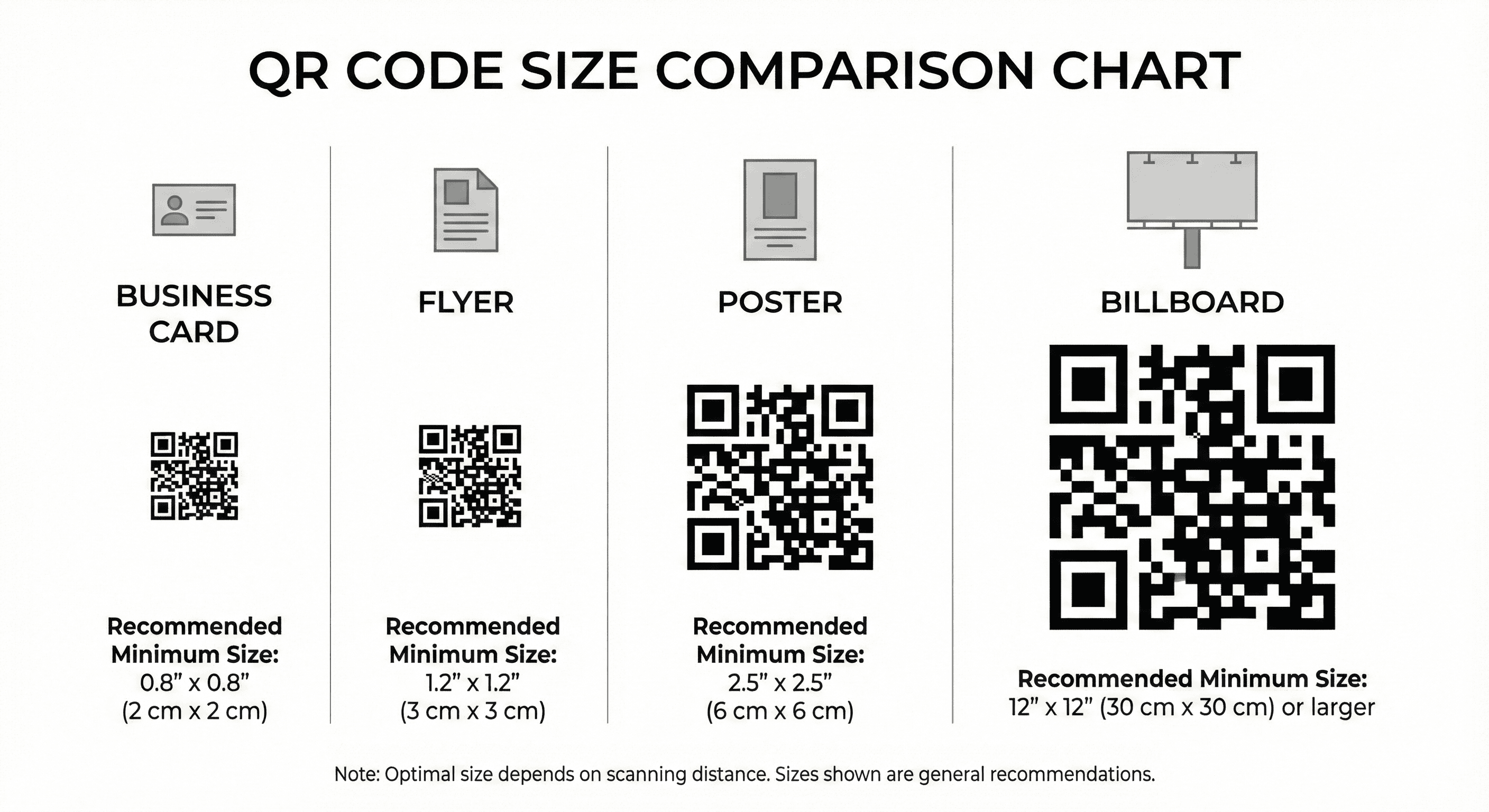
| Application | Min Size | Recommended | Max Distance |
|---|---|---|---|
| Business Card | 0.6" | 0.8" | 8 inches |
| Flyer | 1.0" | 1.2" | 18 inches |
| Poster | 1.5" | 2.5" | 4 feet |
| Banner | 3.0" | 5.0" | 8 feet |
| Billboard | 10" | 18" | 30 feet |
| Packaging | 0.5" | 0.8" | 6 inches |
Final Checklist Before Printing
- ☐ QR code is large enough for scanning distance
- ☐ Quiet zone is at least 4 modules wide
- ☐ High contrast between code and background
- ☐ Using Level H error correction for reliability
- ☐ Tested on multiple devices (iPhone and Android)
- ☐ Destination URL is correct and mobile-friendly
- ☐ Printed a test copy before full run