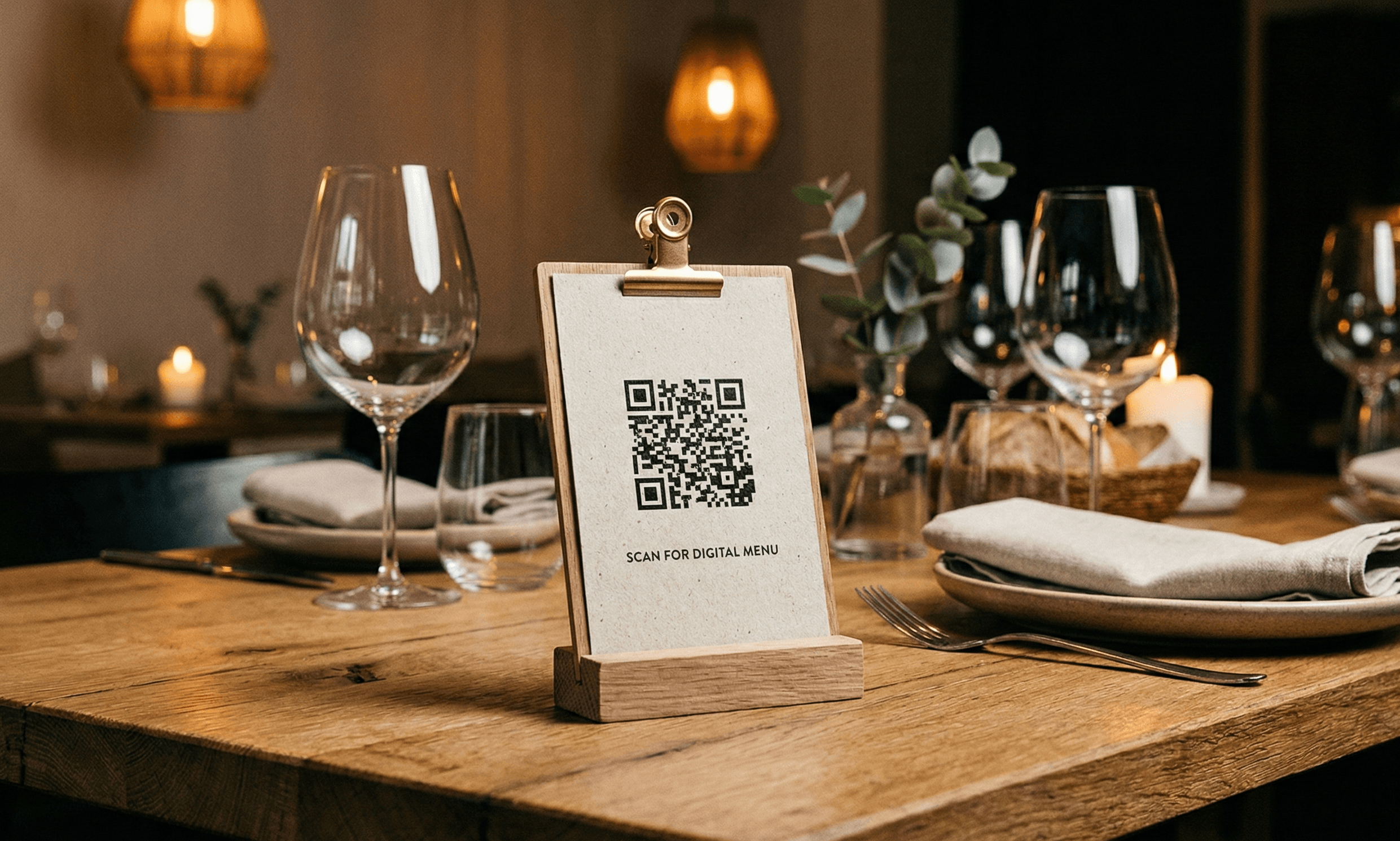
Why Every Restaurant Needs QR Code Menus in 2026
QR code menus aren't just a pandemic relic—they're now expected by customers. Here's why smart restaurants are keeping them:
The Business Case
- Reduce some reprinting when the linked menu page changes
- Keep one stable menu URL while updating that webpage
- Offer another browsing option alongside accessible printed menus
- Measure visits when the destination uses your own consent-aware analytics
What Customers Need
- A fast, mobile-friendly page
- Clear prices, allergen details, and readable text
- A printed or staff-assisted alternative
- A short, trustworthy destination URL
Step 1: Create Your Digital Menu
You have several options, each with trade-offs:
Option A: PDF Menu (Simple but Limited)
Pros: Easy to create, familiar format Cons: Not mobile-optimized, slow to load, can't update easily Best for: Restaurants with rarely-changing menus
Option B: Dedicated Menu Page on Your Website
Pros: Full control, SEO benefits, on-brand Cons: Requires web development knowledge Best for: Restaurants with existing websites
Option C: Free Menu Platforms
Pros: Purpose-built, mobile-optimized, often free Cons: Branding limitations, may show ads Popular options: Google Business Profile menu, Facebook menu
Option D: Premium Menu Platforms
Pros: Best experience, ordering integration, analytics Cons: Monthly fees ($30-100/month) Best for: High-volume restaurants wanting detailed insights
Our Recommendation: Start with your own website page or Google Business Profile. Upgrade to a premium platform when you need ordering or detailed analytics.
Step 2: Design Your Menu for Mobile
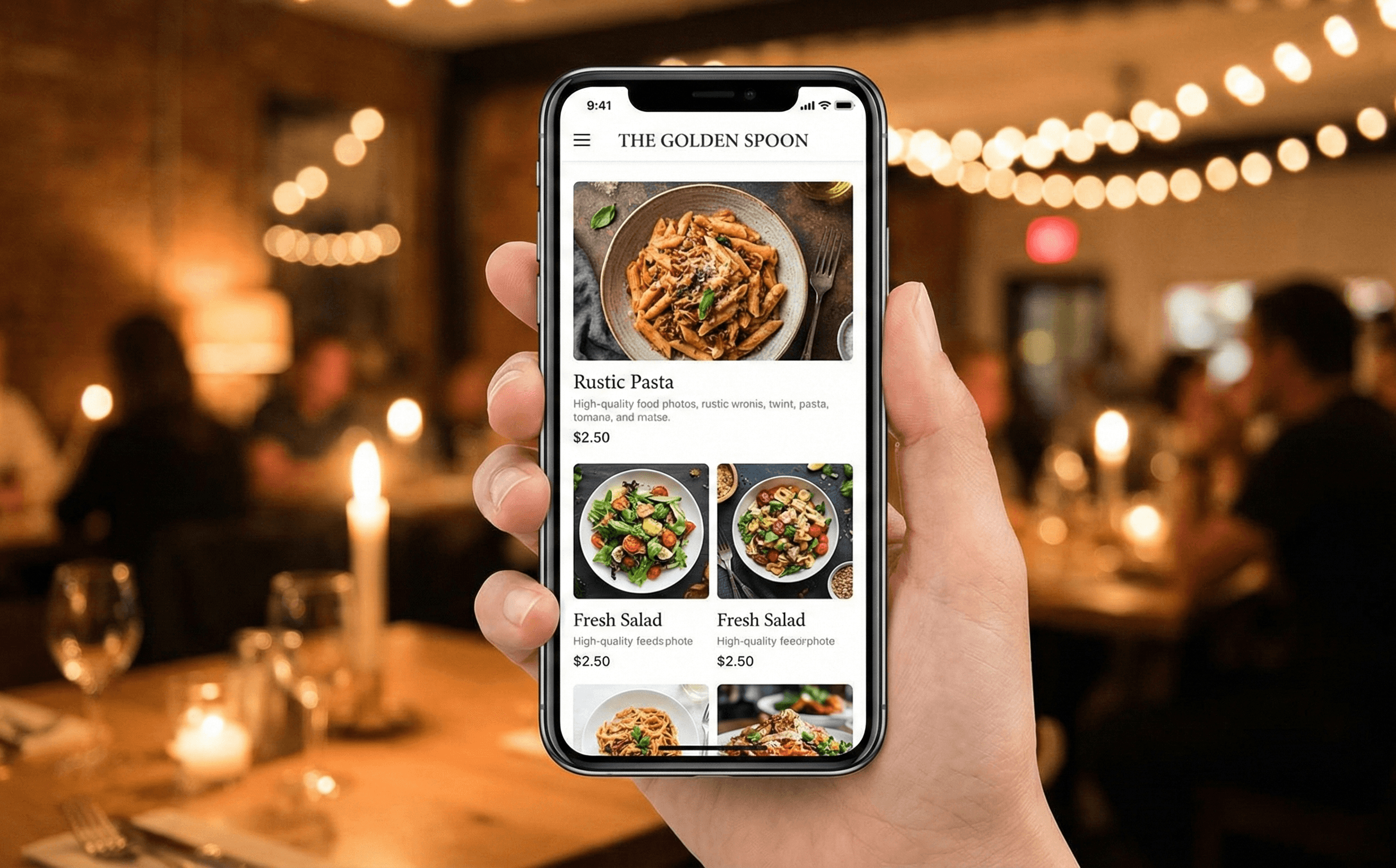
90%+ of your customers will view your menu on a phone. Design accordingly:
Mobile Menu Best Practices
- Single column layout - No horizontal scrolling
- Large, tappable text - Minimum 16px font size
- High-quality photos - But compressed for fast loading
- Clear categories - Appetizers, Mains, Desserts, Drinks
- Prices visible - Don't make customers hunt for prices
- Allergen info accessible - Dietary icons or filter options
Page Speed Matters
- Menu should load in under 3 seconds on 4G
- Compress images (use WebP format)
- Minimize fancy animations
- Test on older phones, not just your latest iPhone
Step 3: Generate Your QR Code
- Copy your menu URL
- Use a reliable QR code generator (like ours!)
- Select high error correction (Level H)
- Download in SVG format for print quality
- Test the code on 3+ different phones
QR Code Specs for Restaurants
- Minimum size: 1 inch (2.5 cm) square
- Recommended: 1.5 inches (3.8 cm) square
- Error correction: Level H (handles spills and wear)
- Colors: Black code on white background (highest contrast)
Step 4: Design Your Table Materials
Table Tent Design Elements
- Your logo - Brand recognition
- "Scan for Menu" - Clear instruction
- QR code - Prominently displayed
- WiFi info - Bonus value for customers
- Fallback option - "Ask server for paper menu"
Table Sticker Considerations
- Use waterproof/laminated material
- Position away from where plates are placed
- Replace when worn (every 2-3 months)
Step 5: Strategic Placement
Where to Place QR Codes
High-Impact Locations:
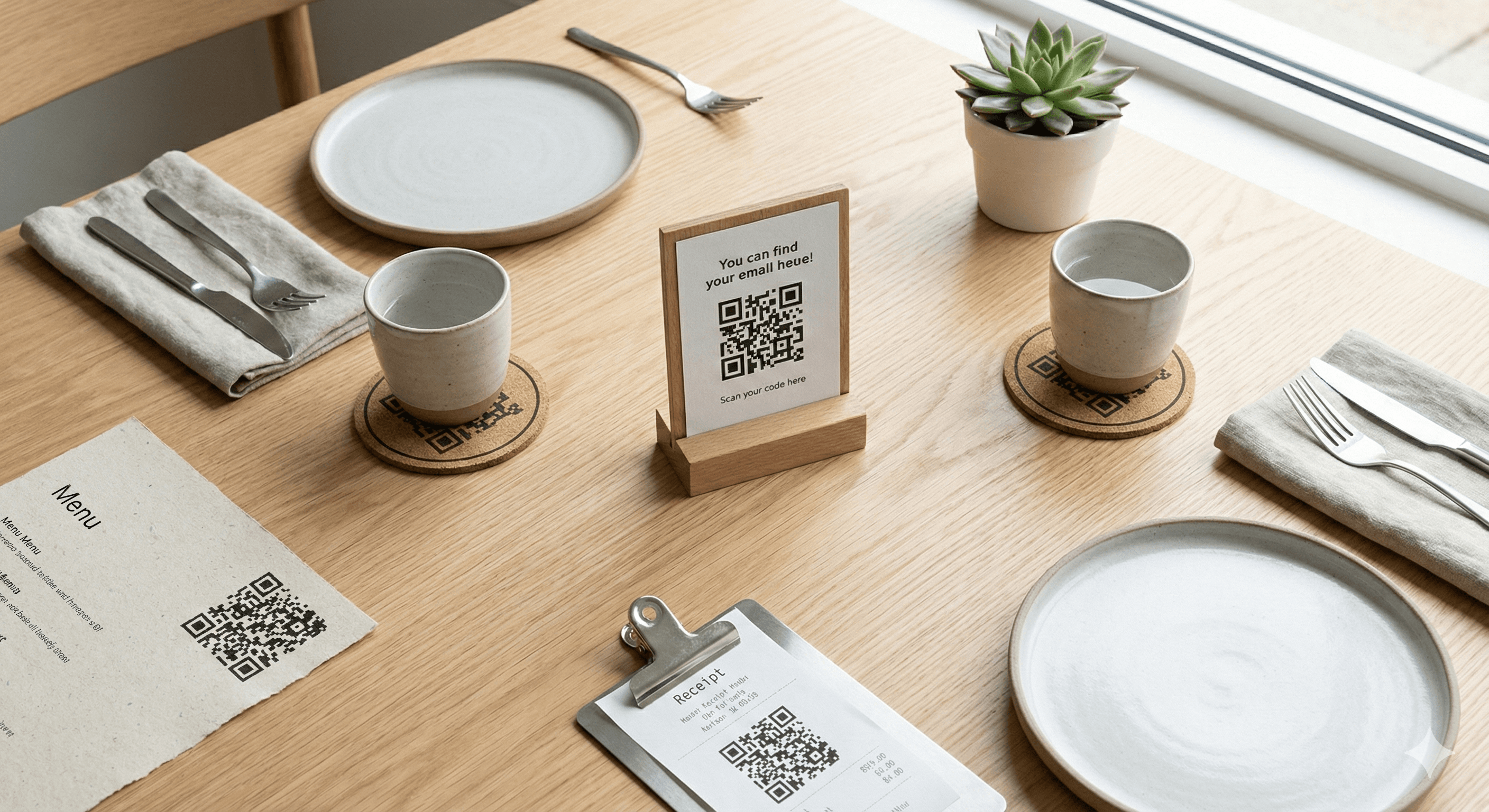
- Center of each table (table tent)
- Near the entrance (for takeout orders)
- At the bar (on coasters or bar top)
- On receipts (for feedback/reviews)
- On to-go packaging (for reorders)
Placement Tips:
- Eye level for standing customers
- Avoid direct sunlight (screen glare)
- Keep away from candles (fire hazard with paper)
- Test scanning from all seated positions
Common Mistakes That Cost You Customers
Mistake 1: Broken Links
Problem: Nothing destroys trust faster than a "Page Not Found" error. Solution: Test your QR code weekly. Set up a monitoring alert.
Mistake 2: Slow-Loading Menus
Problem: Customers give up after 3 seconds. Solution: Optimize images, use a fast host, test on 4G.
Mistake 3: Desktop-Designed Menus
Problem: Tiny text, horizontal scrolling, unreadable. Solution: Design mobile-first. Test on real phones.
Mistake 4: No Fallback Option
Problem: Older customers or dead phone batteries. Solution: Keep 5-10 paper menus available. Train staff to offer them.
Mistake 5: Outdated Information
Problem: Menu shows items you no longer serve. Solution: Update your digital menu before changing the physical one.
Mistake 6: QR Code Too Small
Problem: Customers struggle to scan in low light. Solution: Minimum 1-inch QR code. Larger is better.
Advanced: Multi-QR Strategy
Consider using multiple QR codes for different purposes:
| QR Code | Purpose | Placement |
|---|---|---|
| Menu | Browse full menu | Table center |
| WiFi | Connect to network | Table tent |
| Reviews | Collect Google reviews | Receipt |
| Feedback | Private feedback form | Receipt |
| Social follow | Check presenter | |
| Order | Online ordering | Takeout counter |
Measuring Success
Track these metrics monthly:
- Scan rate: Total scans ÷ total covers
- Menu views: Which items get the most views?
- Peak times: When do people scan most?
- Device split: iOS vs Android (for optimization)
Final Setup Checklist
- ☐ Digital menu is mobile-optimized
- ☐ Menu loads in under 3 seconds
- ☐ QR code tested on multiple devices
- ☐ Table materials are printed and placed
- ☐ Staff trained on the system
- ☐ Paper menu backup available
- ☐ Weekly testing schedule set
- ☐ Feedback collection system in place